









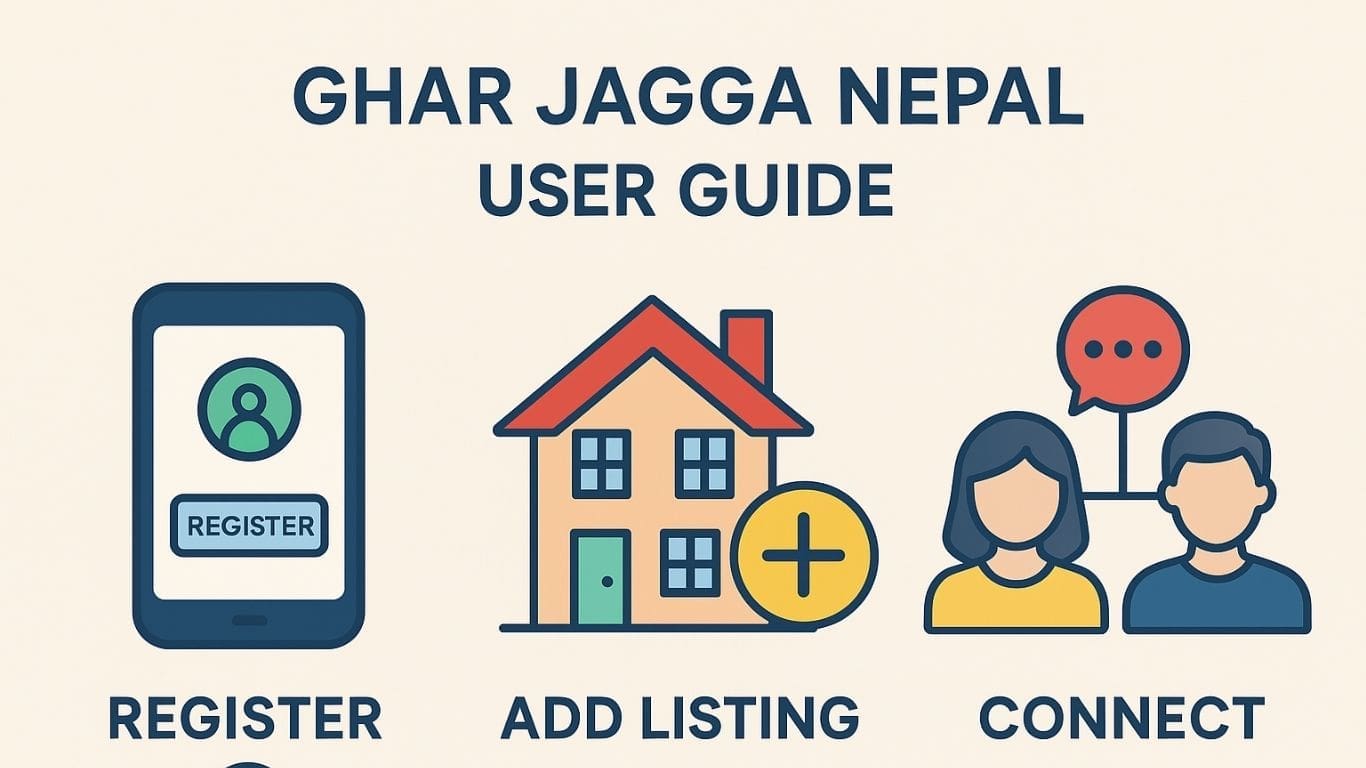
This Ghar Jagga Nepal user guide helps new users understand how to register, log in, add listings, post in groups, use chatrooms, and connect with other members. Follow this guide to use the platform easily and professionally.
1. How to Create a New Account – Ghar Jagga Nepal User Guide
You can create an account on Ghar Jagga Nepal in a few simple steps.
Go to the Registration Page
Visit the registration page here: Create Account
You can also find the Login / Register button at:
- The top menu of the home page
- The bottom/footer area of most pages
This makes the signup link easy to locate anywhere on the website.
Enter Your Details
- Name
- Password
Or click Continue with Google for one-click signup.
Choose Your Membership Plan
After signup, the system redirects you to the Membership Level Page.
Here you can select your preferred plan.
✔ Free Membership is available.
Get Instant Access
Once you complete the registration, the system automatically logs you in and takes you to your dashboard.
2. How to Log In – Ghar Jagga Nepal User Guide
Follow these steps to log in:
- Visit: Login Page
- Enter your email and password
- Or use Continue with Google
- You will be redirected to your dashboard
3. How to Add Property or Vehicles – Ghar Jagga Nepal User Guide
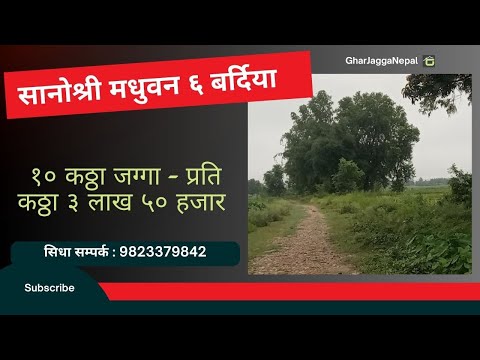
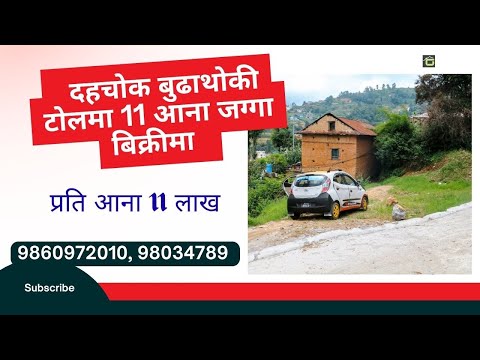
You can add listings for land, houses, flats, commercial spaces, rooms, and vehicles for sale, rent, or exchange.
Steps to Add a Listing
- Open your Dashboard
- Click Classified from either:
- Left-side dashboard menu
- Top main menu
- Click Create
- Fill in all required details:
- Title
- Location
- Price
- Area or specifications
- Photos and videos
- Select the correct category (Sale / Rent / Exchange)
- Click Publish
Your listing will now be visible to all users.
4. How Publishing Works on Ghar Jagga Nepal
When you publish a listing:
✔ It appears on the Classifieds page
✔ A post is automatically added to Recent Activity for more visibility
✔ Users can like, comment, follow, and share your listing
You can also create a manual post in Recent Activity to get even more reach.
5. How to Post on Recent Activity
Steps to Post
- Open Recent Activity on the home page
- Add your text, photo, video, or link
- Click Post
Posting here helps increase your visibility and engagement.
6. How to Post in Groups – Ghar Jagga Nepal User Guide
Posting in groups helps you reach the right audience.
Property Group
👉 Property Buy/Sell/Exchange Group
Vehicles Group
👉 Vehicles Buy/Sell/Exchange Group
How to Post in Groups
- Open the group
- Click Join Group
- After approval, click Write Post
- Add your listing details and publish
7. How to Use Chatrooms – Ghar Jagga Nepal User Guide
Chatrooms allow real-time communication with buyers and sellers.
Property Chatroom
Vehicles Chatroom
Chatroom Features
- Private chat
- Audio call
- Video call
- File sharing
How to Post in Chatrooms
- Open the chatroom
- Join the room if required
- Type your message or upload photos
- Click Send
Being active here helps you close deals faster.
8. How to Connect With Members – Ghar Jagga Nepal User Guide
Connecting with others helps build trust and increases visibility.
Ways to connect:
- Send friend requests
- Follow members
- Send private messages
- Join groups
- Use chatrooms
- Like, comment, and share posts
Using this Ghar Jagga Nepal user guide, you can explore all features and make the most out of the platform.
Get involved!
Comments